

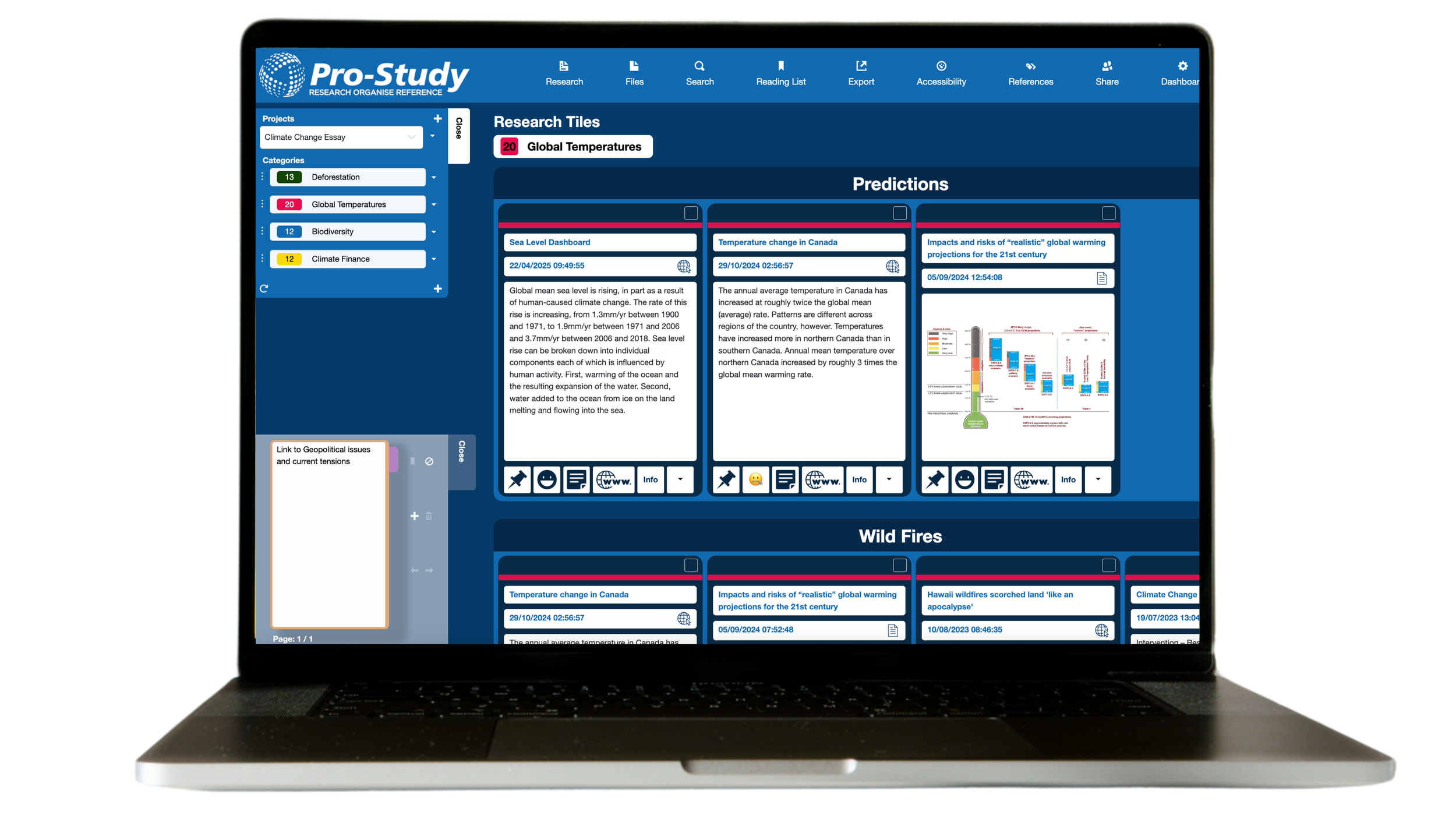


Not registered yet?
Follow the steps below to get started with Pro-Study
Get Started in Three Simple Steps

Create Your Account
Create your Pro-Study account using your email address, or sign up quickly with your Google or Microsoft account.

Add your licence key
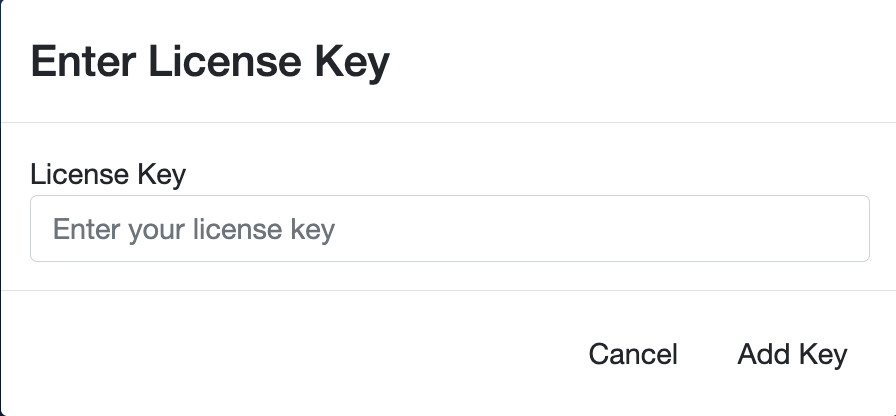
Once you’ve created your account, log in to Pro-Study Online. You’ll be prompted to enter your licence key to activate your access.

Start using Pro-Study
Install the Pro-Study Chrome Extension
The Pro-Study browser extension lets you capture research from websites, files and more. It’s compatible with Google Chrome and Microsoft Edge.
Need Help or Want to Work on the Go?
Download the Project Assist App
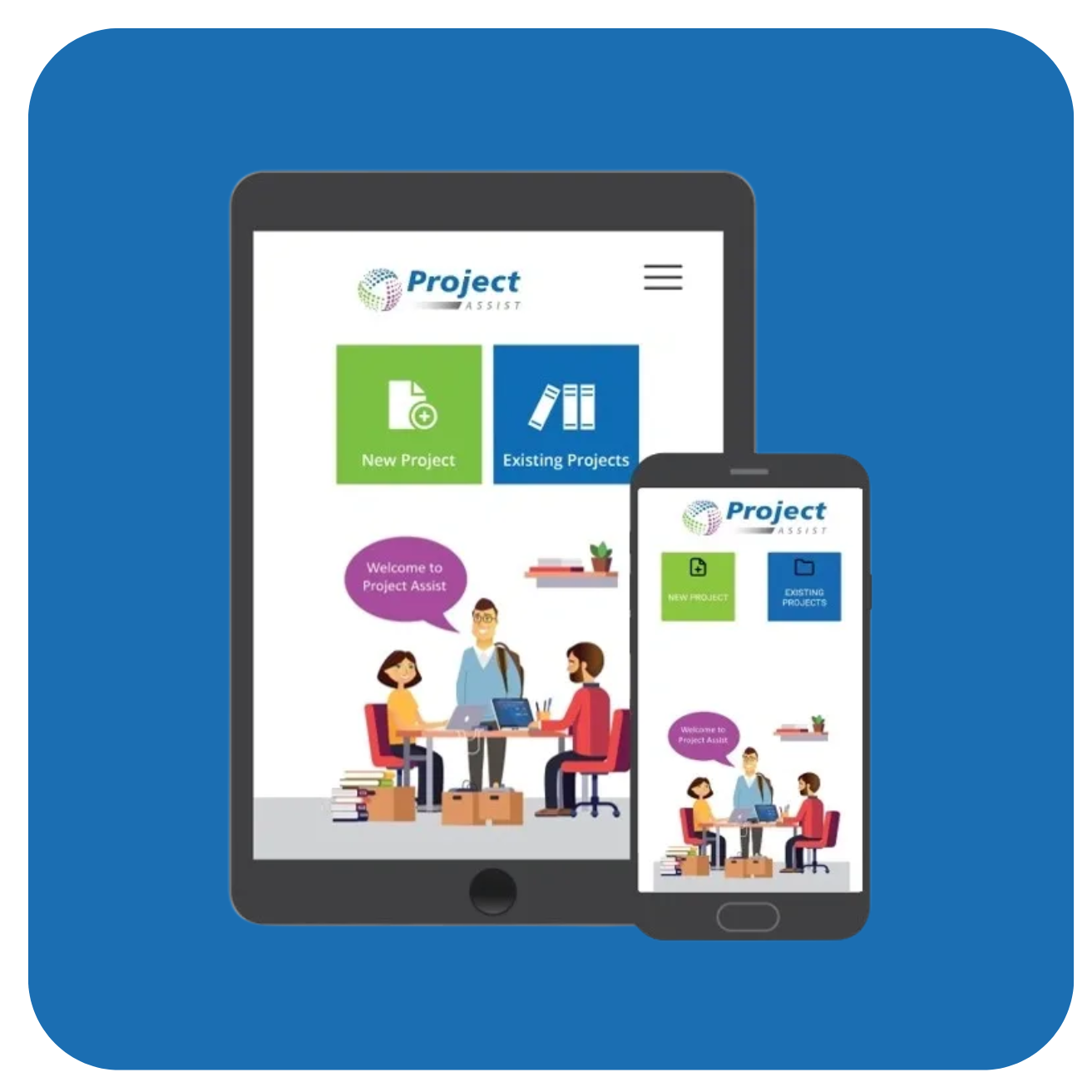
Capture and organise research on the move using your mobile device. Available on Android and iOS. Click Here to Learn More.
User Guides & FAQs

Explore the RESOURCES page for step-by-step help, troubleshooting, and top tips.
Watch Tutorial Videos

Visit the Pro-Study YouTube playlist to learn how to make the most of every feature.